Product case study · Native iPhone & iPad
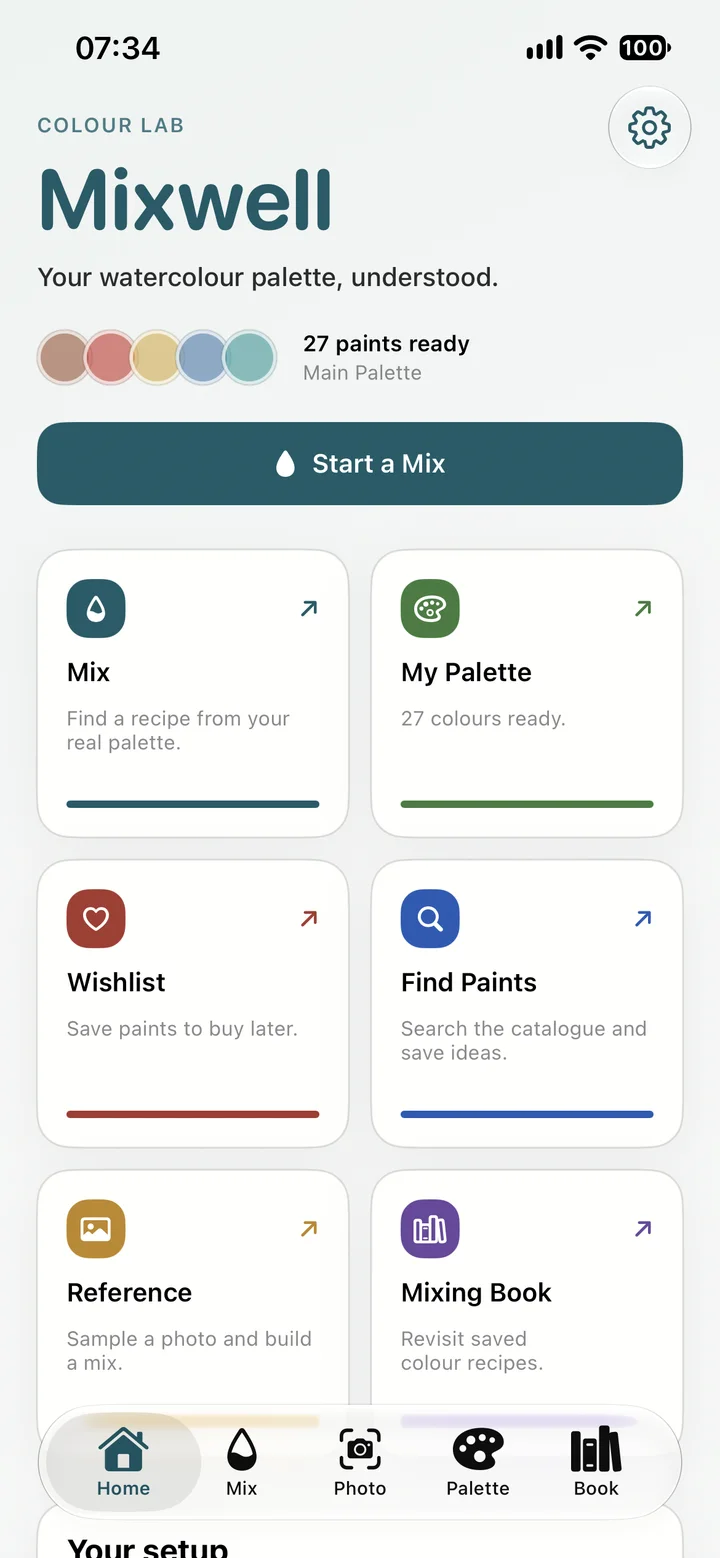
I built Mixwell for watercolour painters to explore the paints they own. It’s a native iPhone and iPad app with a paint catalogue, personal palettes, photo sampling and saved mixing recipes.
Starting with the paints you own
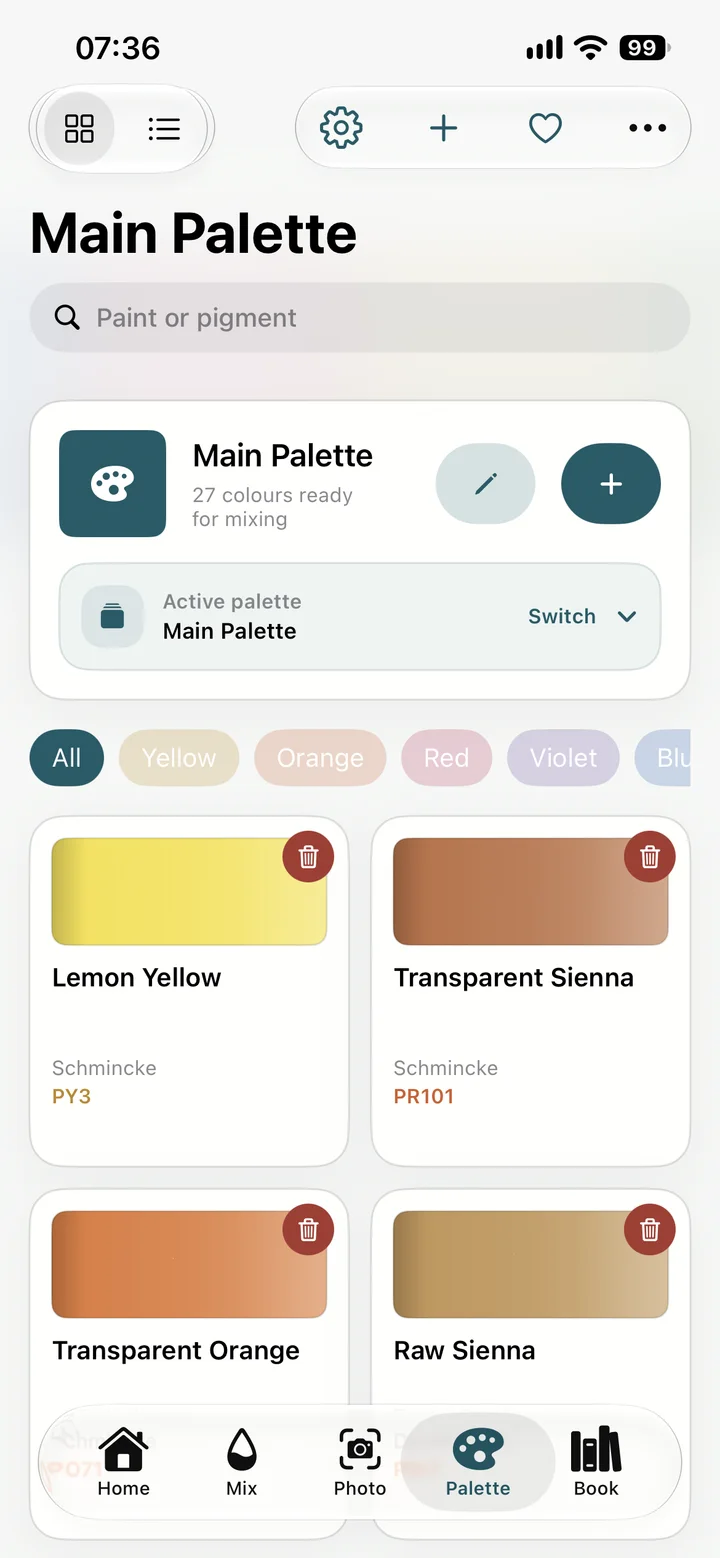
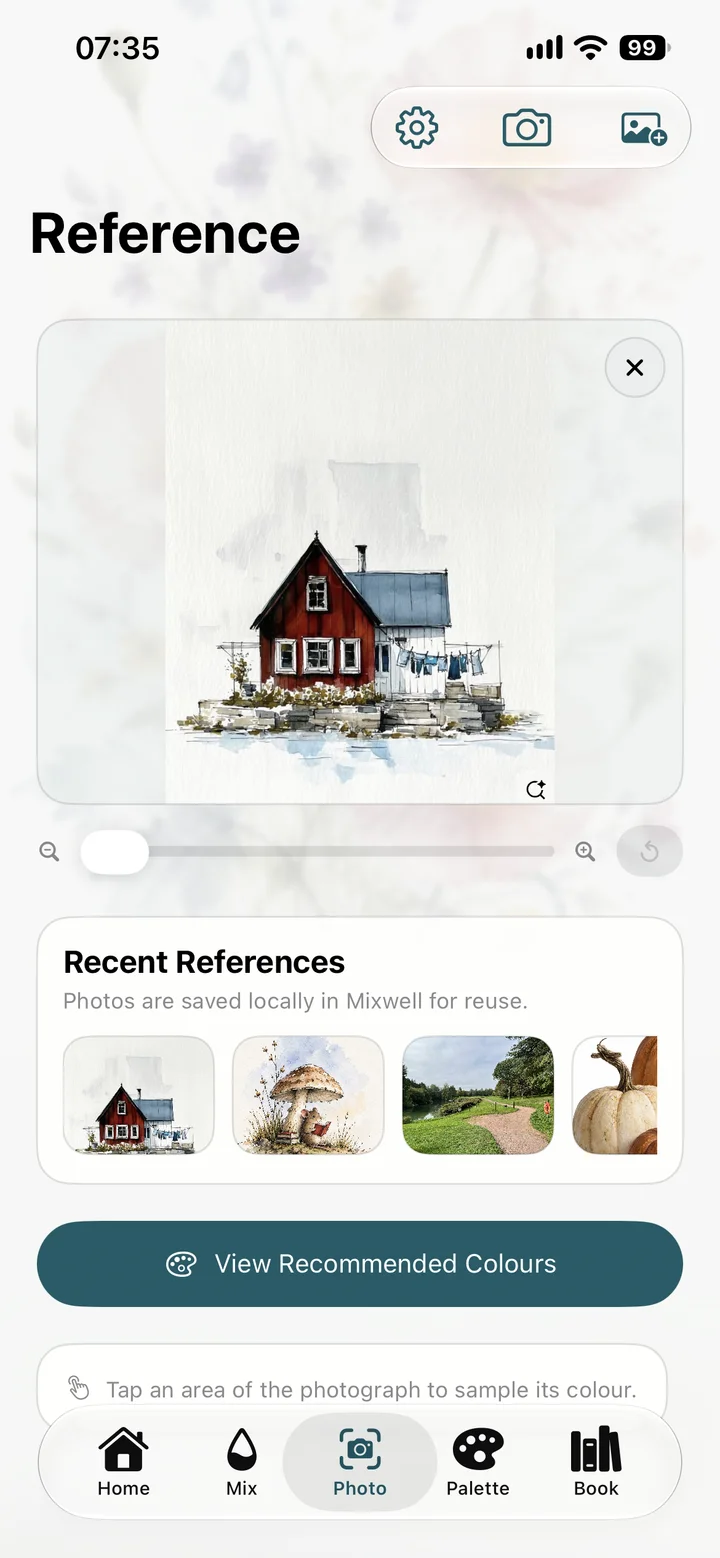
The starting point is a personal palette. You can sample a colour from a reference photo, look at suggested paints or mixtures from that palette, adjust the recipe and save it.
I worked on the app design and development, paint catalogue, colour matching, testing and release preparation.
Palettes, references and recipes
The app is organised around five areas: Home, Mix, Reference, Palette and Mixing Book. Personal and project palettes keep the working paint collection manageable; notes, favourites, filters and a wishlist support discovery without interrupting mixing.
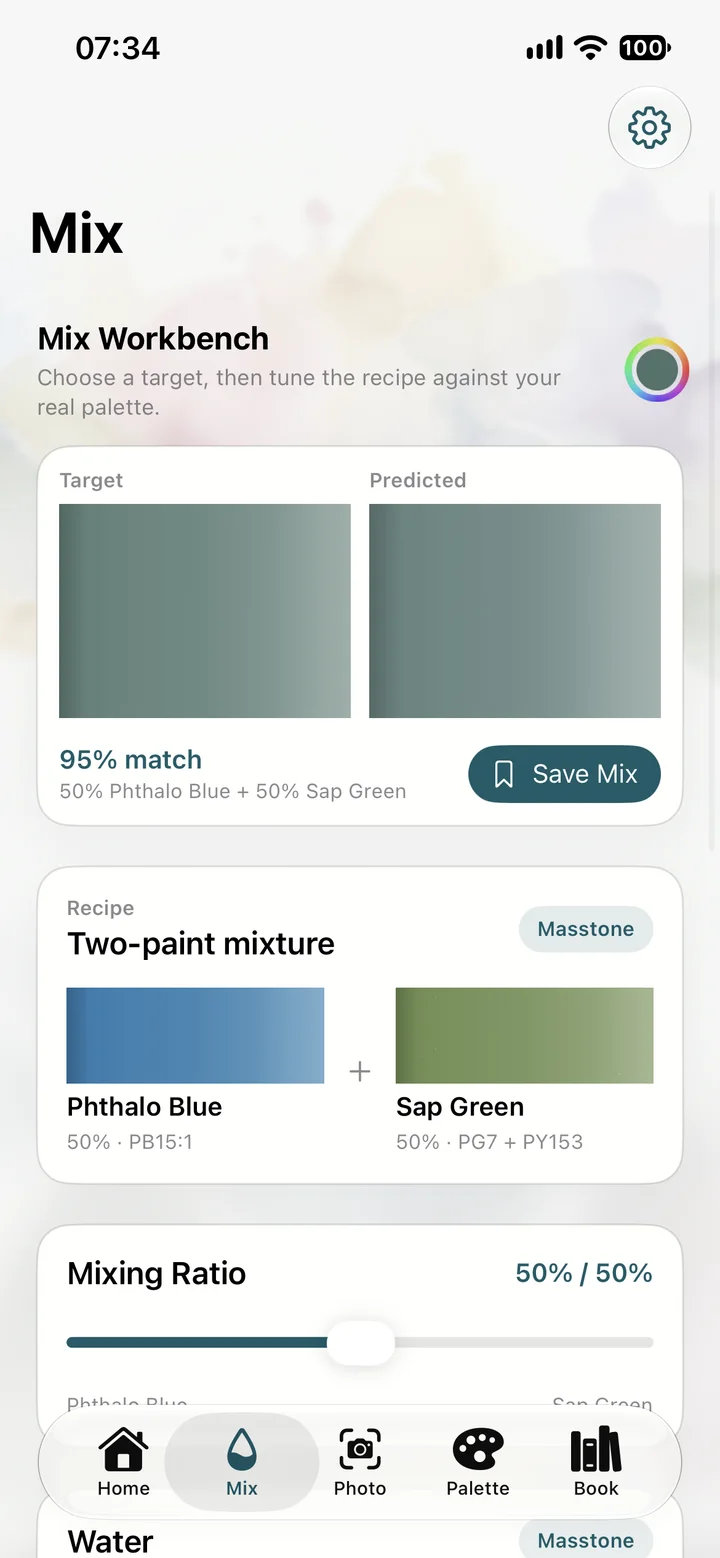
The mixing workbench places the target and predicted result together, with adjustable paint ratios and dilution previews. Reference photos can be imported or captured, sampled and saved locally. Useful recipes can then be kept in the Mixing Book.
How the colour matching works
Mixwell uses CIELAB conversion and CIEDE2000 colour comparison as the foundation for approximate recommendations. The current recommendation service searches single paints and pairs across a set of ratios. It can favour an existing paint when a more complicated recipe offers little improvement.
SwiftData stores owned paints and recipes locally, while StoreKit supports the trial and one-time unlock. Matching work moved off the main thread to keep interactions responsive, and reference images were downsampled before loading. Personal swatch calibration lets artists adjust digital references using their own paint samples.
Match scores and dilution previews are visual guidance. They do not establish measured manufacturer colour accuracy or simulate every physical behaviour of watercolour on paper.
Native architecture and local data
The interface is SwiftUI, with observable view models and services for the catalogue, persistence, purchasing and image sampling. SwiftData stores personal palettes, owned paints, saved recipes, notes and reference photos. The app does not need an account to use those local records.
Personal paint selections refer to immutable catalogue IDs. That keeps the bundled paint definitions separate from the artist’s own data: expanding the catalogue does not require recreating their palettes. The loader decodes the bundled JSON resources and rejects duplicate IDs rather than quietly treating two catalogue entries as the same paint.
The current bundled files contain 3,179 paint records. Brands include Schmincke, Daniel Smith, Holbein, Winsor & Newton, Sennelier and Jackson’s, alongside others. Records carry paint names, pigment codes and digital colour references. Those digital values are approximate; a pigment code or manufacturer name does not make a swatch a measured physical sample.
Why the mixing engine is replaceable
The colour-science layer exposes a ColourMixingEngine protocol. The current LAB implementation normalises paint ratios, combines their colour values and applies a chroma adjustment and dilution preview. The recommendation service compares candidates with CIEDE2000 and keeps a ranked set of results.
That is a useful computational model for comparing recipes, but it does not reproduce pigment chemistry, granulation or the texture of a wash. Keeping the engine behind a protocol leaves room to improve the model without tying every screen to one implementation.
The workbench also separates pigment matching from water strength. Recommendations are evaluated at masstone, while the dilution control changes the displayed wash. This avoids treating a lighter preview as evidence that the underlying paint combination has become a worse match.
Responsiveness when the palette changes
Searching paint pairs becomes more expensive as the palette grows. The view model debounces refreshes and moves the calculation into a detached task. It checks cancellation and the requested target before applying the result, so an older calculation does not overwrite a newer colour selection.
Photo sampling uses Core Image. Reference-photo handling downsamples imported images, while saved references remain local. That keeps a large camera image from becoming an unnecessary cost each time the painter returns to a reference.
StoreKit, localisation and release
The full unlock is a StoreKit non-consumable purchase. The purchase service verifies transactions, listens for transaction updates and supports restoring access. A verified purchase unlocks the interface immediately, including when the entitlement refresh has not yet caught up.
Localisation uses a string catalogue with English, German, French and Spanish entries. The app also has language-selection support. These are part of the native interface rather than separate versions of the application.
The XCTest suite covers colour comparison and recommendation behaviour, persistence of recipes and ingredients, and free-use limits. The recorded 9 October simulator run passed 16 tests with no failures. Release preparation included iPhone and iPad screenshots and StoreKit purchase and restore checks; the historical test count is not presented as a current App Store certification.
Mixwell is available on the App Store, with two-colour mixing, reference sampling and saved recipes. The catalogue and interface have continued to develop through the updates below.
Development timeline
Development started on 23 August 2026. These are the main changes through to the Holbein catalogue update on 9 October.
First app and product identity
Built the initial Watercolour Companion app and renamed it Mixwell. Established the five main areas, SwiftData persistence, the catalogue and colour-science foundation. Added reference-image sampling, adjustable mixtures, dilution previews and branded artwork.
Personalisation and purchase model
Added multiple and project palettes, notes, favourites, filters and paint substitutes. Implemented the trial and one-time unlock with StoreKit and prepared listing, privacy and support material.
Clearer purchase pricing
Moved the unlock price to the top of the purchase screen so users could understand the cost immediately.
Reliability and catalogue expansion
Reviewed purchase verification, persistence, free-use limits and privacy documentation. Added regression tests, moved matching off the main thread and built a Jackson’s colour-chart import pipeline.
iPhone and iPad release assets
Prepared App Store screenshot sets covering recipes, reference sampling, catalogue browsing and the Mixing Book, with a repeatable screenshot-generation script.
Matching and personal calibration
Expanded mixture search, introduced personal paint-swatch calibration, improved sampling confidence and clarified match-score guidance. Added localisation infrastructure and corrected a catalogue swatch.
Palette and reference-photo changes
Refined Home, the mixing workbench and paint-detail screens. Added clearer palette switching and renaming, wishlist access, camera capture, local photo storage and guided onboarding. Improved dilution controls and separated wash previews from pigment-match scoring.
Simpler recommendations and scoring
Refined single-paint suggestions when extra mixing offered little benefit, and recalibrated match percentages to make guidance easier to interpret.
40 requested Holbein colours covered
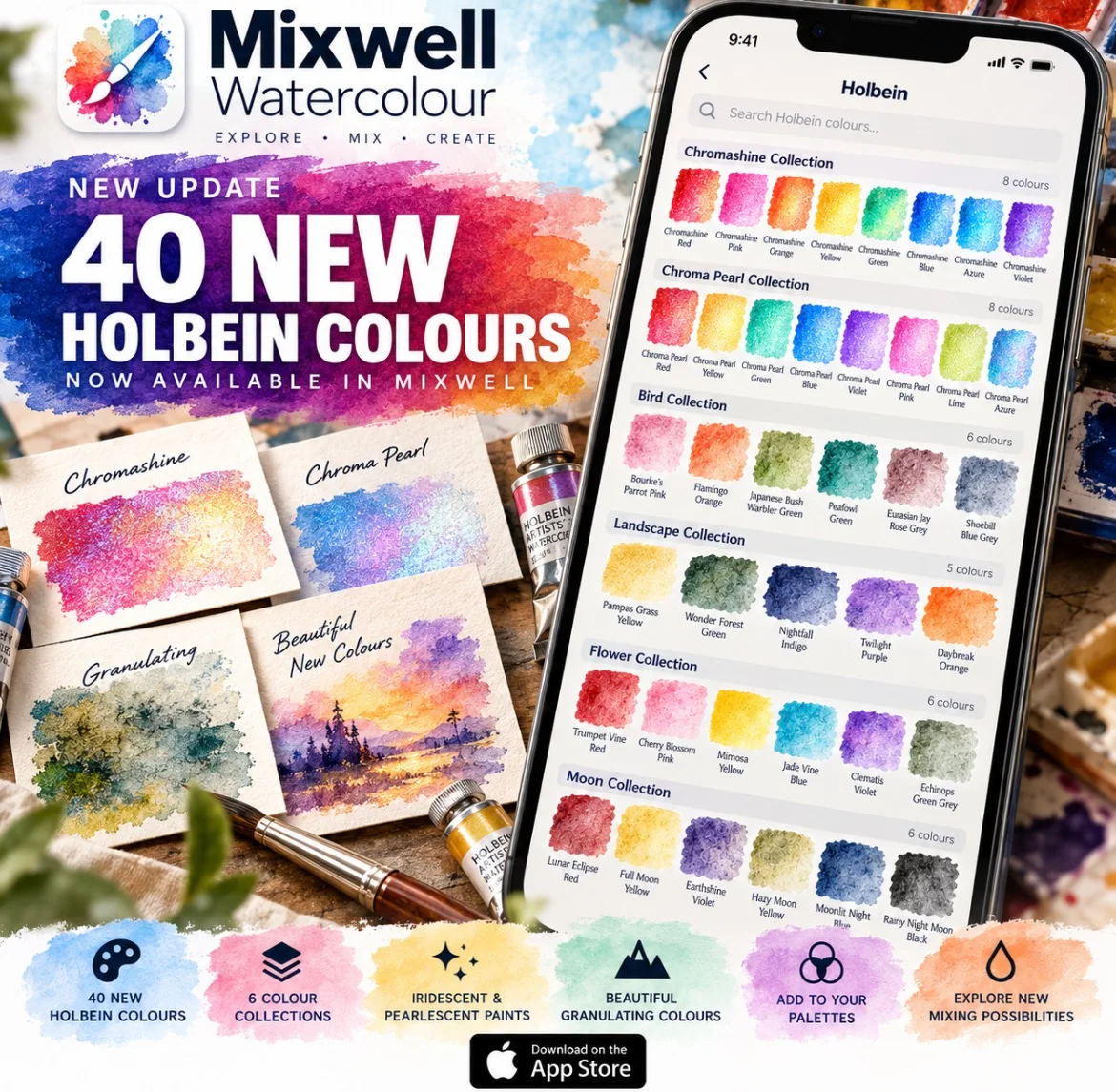
Responded to a paying customer by adding 39 catalogue entries and updating Cadmium Yellow Light, covering all 40 requested colours. The catalogue reached 3,179 records, including Chromashine, Chroma Pearl and granulating colours.
Added notices for special-effect previews and labelled estimated swatches as unverified digital approximations.
Catalogue update verified
The recorded simulator test run completed with 16 tests passed and no failures. This is the historical result for that update.
Android?
I also explored how an Android version might share the catalogue and colour-science logic. That stayed at the planning stage; I hadn’t built the Android app or extracted a shared package in the work covered here.